Keep the necessary information
A blank panel can look composed while asking a user to remember hidden gestures. A single button might control power, pairing, volume and reset through different press lengths. The component count is lower, but the cognitive work has not vanished. It has moved from the object to the person using it.
Begin with three questions: what can I do, what state is the device in, and what happened after my action? A restrained interface answers these without demanding continual attention. Don Norman's The Design of Everyday Things provides useful language for discussing signifiers and feedback. That language helps distinguish visual simplicity from understandable operation. The distinction matters whether the product is a lamp, a radio or a kitchen timer.
Give the fingers a reliable landmark
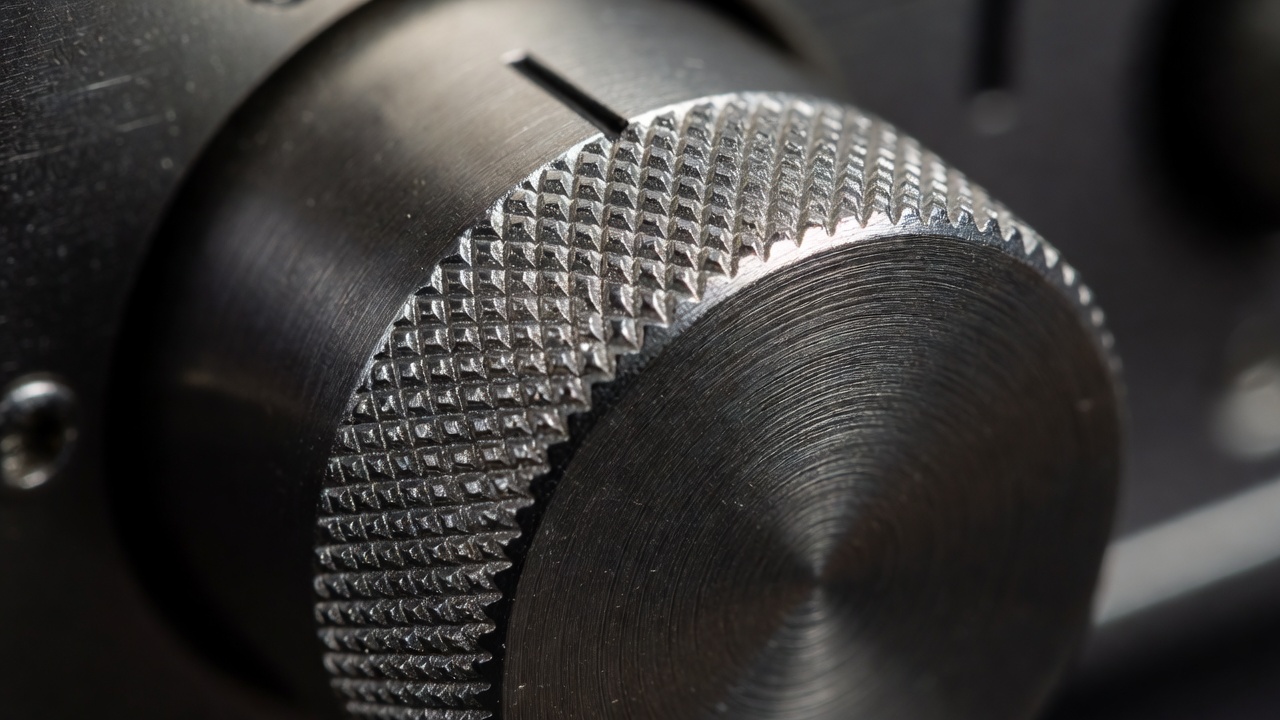
A rotary control can communicate direction through movement, position through a marker, and limits through a stop. Each layer does different work. A free-spinning encoder may feel precise but cannot reveal its electronic value from orientation alone. A mechanical knob may show its setting while creating a mismatch if software changes that setting elsewhere.
Bang & Olufsen and Teenage Engineering offer contrasting bodies of work for studying physical interaction, from restrained domestic equipment to conspicuously graphic instruments. They do not represent one regional solution. Use them as prompts to examine spacing, labels, feedback and learning. A distinctive control is useful only if people can find it, operate it and understand the consequence in the actual environment.
Concept: a desk light with a readable state
Consider an unbuilt desk-light concept with a broad dimming ring around its base. A tactile stop marks off. Turning clockwise increases output, while a small raised marker can be located by touch. The essential controls remain on the object. There is no account, phone application or network requirement in this proposed brief.
That description is a hypothesis, not a validated design. The ring could be awkward for someone with limited wrist rotation. A heavy base could improve stability while making relocation difficult. A tactile off position would need to correspond reliably to the electrical behaviour. A replaceable light module would introduce connector, thermal and safety questions. Every attractive simplification must survive those questions before becoming a credible product claim.
Design the inconvenient moments
Everyday technology has states beyond normal operation. Power fails, batteries weaken, settings are lost and components wear. A legible product tells the user what can be recovered and how. A reset should not require guessing whether an indicator flashed once or twice, especially when that indication relies only on colour.
For the lamp concept, test restoration after a power interruption. Should it return to its previous level, remain off or follow a physical control position? None is universally correct. A bedside context and a shared workshop may require different behaviour. Also distinguish a switched-off light from a disconnected power supply. Clear documentation should explain the distinction rather than allowing a familiar gesture to imply an unverified electrical condition.
Make maintenance part of the interface
An access panel is a kind of interface too. Its fasteners communicate where service begins, and the internal arrangement determines whether that invitation is meaningful. A replaceable module is not genuinely convenient if obtaining it requires an unavailable proprietary part. Repairability needs documentation, parts supply and a sensible disassembly sequence, not just visible screws.
ISO 9241-210 describes human-centred design for interactive systems and is a useful process reference, not an automatic product endorsement. For a small gadget, its spirit translates into understanding users, evaluating alternatives and revising with evidence. Test with people who did not design the object. Watch what they do without prompting. When a control requires a long explanation, the next step may be another prototype rather than a shorter instruction label.